Manage institution members
An institution can have multiple members with different roles. To manage your members, go to Team management.
Only users with Owner or Administrator role can perform the actions below.
Add member
Start
Click Add member to begin.
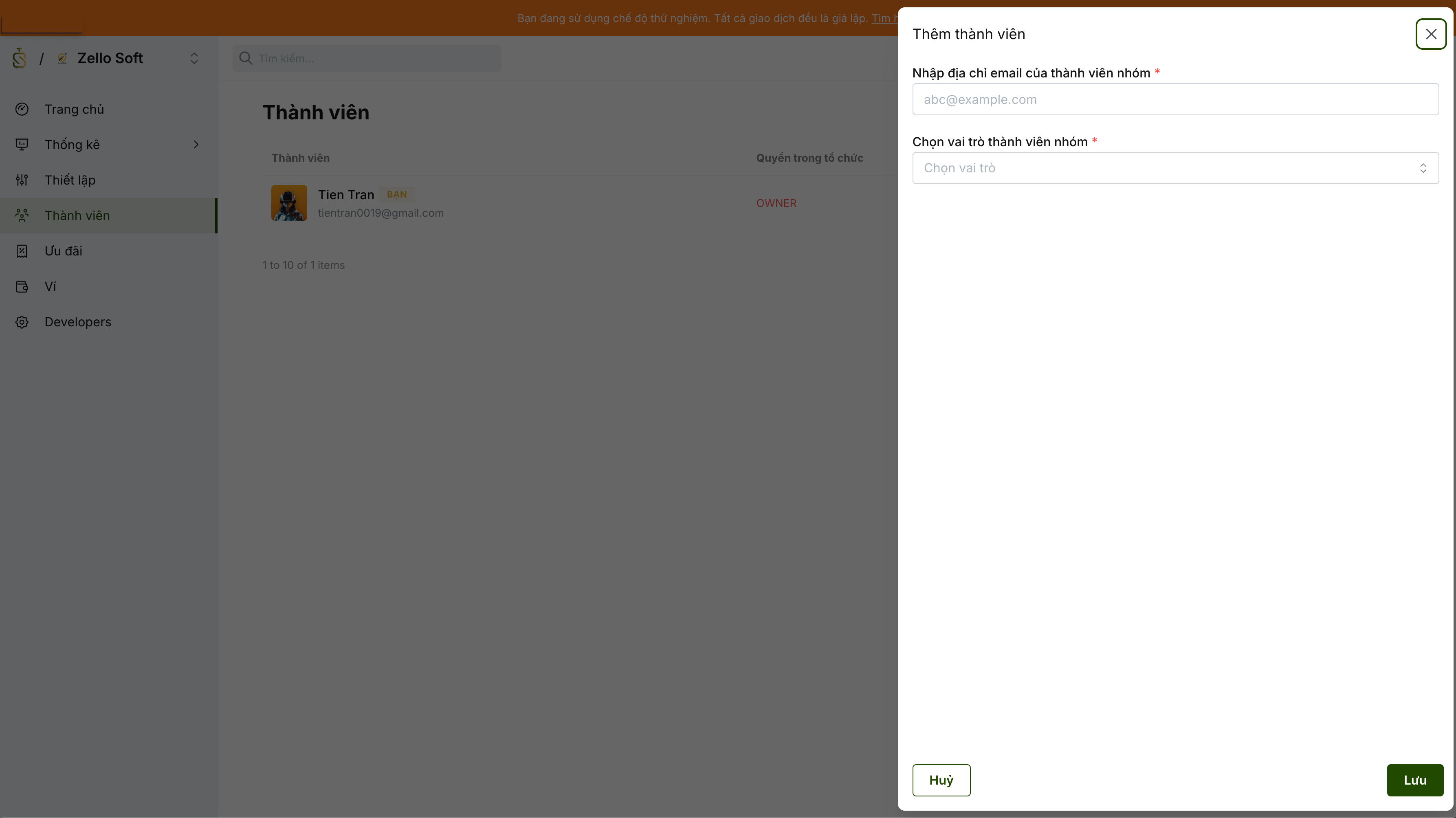
Enter information
Enter the email address of the member you want to add.
Make sure the email is correct. An invitation email is sent to that address.
If the invited member does not have a SimplifyTrip account, SimplifyTrip creates one automatically and includes login credentials in the invitation email.
Choose role
The member role can be changed later.
Available roles:
| Role | Description |
|---|---|
| Administrator | For users who need account-owner-like access. This role can view and manage almost everything. |
| Developer | For engineers setting up SimplifyTrip integrations. This role can access sensitive keys and most SimplifyTrip resources. |
| Accountant | For users handling debt payment, payment account top-up, payment account management, reporting, and data export. |
| Viewer | For read-only users who need to view payments, balances, linked accounts, reports, and exported data. |
Owner has full permissions in the institution. Owner is a special administrator role that can perform all actions, including institution closure. The institution creator is assigned as Owner by default. Only Owner can assign the Owner role to other members.
Submit
SimplifyTrip sends an invitation email to the member. If they do not receive it, you can resend the invitation anytime.
Remove member
Administrators can remove any member except members with the Owner role.